How CRM Software for Business Helps Improve Customer Relationships

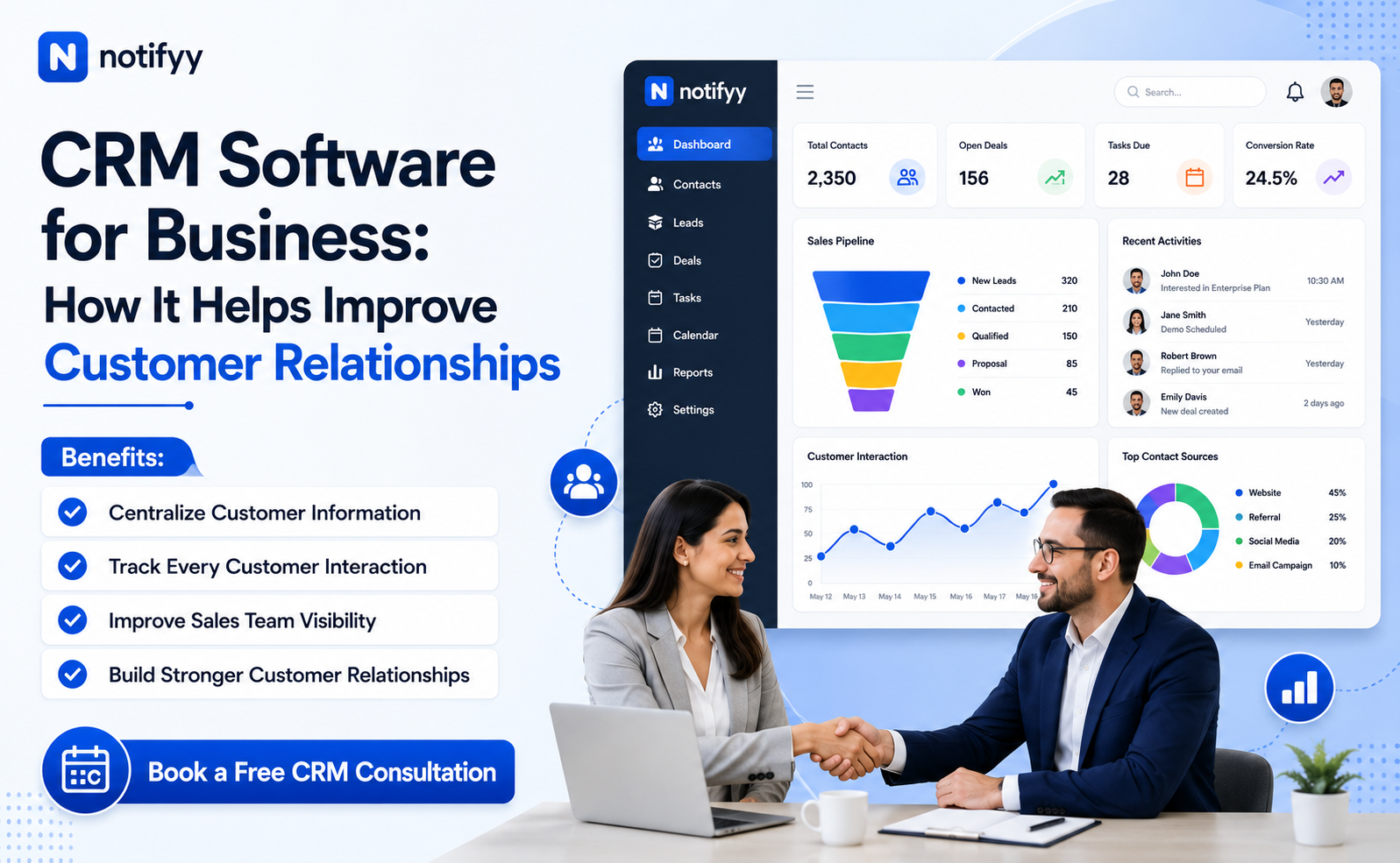
Customers interact with businesses across websites, enquiry forms, calls, WhatsApp chats, email threads, sales conversations, and support requests. As these touchpoints grow, teams need a dependable way to maintain accurate records, understand account context, and deliver a consistent experience.
This is where customer relationship management software becomes valuable. The right platform helps businesses centralize customer information, track every interaction, and give teams better visibility into each relationship. Instead of relying on spreadsheets, disconnected tools, and individual memory, teams can manage customer relationships in a more structured and scalable way.
For growing teams, crm software for business improves day-to-day coordination across sales, support, and account management while making customer communication more informed and more consistent.
Why Customer Relationships Matter to Business Growth
Customer relationships do not begin and end with a purchase. They develop through every enquiry, proposal discussion, follow-up, support interaction, payment conversation, and renewal decision. When this history is not recorded clearly, teams lose continuity.
A prospect may receive delayed follow-ups. A support agent may ask repetitive questions. A sales representative may not know which product discussion already happened. These gaps weaken trust and make the business appear disorganized.
crm software for business helps maintain continuity by keeping customer history, pending actions, and account context visible across the full relationship lifecycle.
What Does CRM Software Do?
At its core, a crm software application helps businesses organize customer data and manage interactions with leads, prospects, and existing customers from one place.
Depending on the platform, businesses can use customer relationship management software to manage contact records, companies, leads, sales opportunities, activity timelines, follow-up tasks, notes, support issues, and internal collaboration. This structured approach reduces time spent searching for information and improves the quality of customer conversations.
How CRM Improves Customer Relationships
Creates a complete customer view
When customer information is spread across inboxes, spreadsheets, call notes, and chat tools, employees rarely see the full picture. A CRM brings relevant details together so teams can review contact information, deal progress, previous interactions, and pending actions from one record.
Helps teams understand customer needs
By maintaining interaction history in one place, businesses can identify recurring requirements, preferences, objections, and service issues. That context helps sales and support teams continue conversations intelligently instead of starting from scratch every time.
Makes lead management more organized
Not every prospect is ready to purchase immediately. crm software for business helps teams organize leads by source, stage, priority, and follow-up status so the sales pipeline stays visible and active opportunities do not get ignored.
Improves follow-up discipline
Missed follow-ups weaken both sales performance and customer experience. A CRM gives teams a structured place to log conversations, assign next actions, and review what should happen next, reducing dependency on memory or scattered notes.
Provides better customer service
Support teams work more effectively when they can see previous conversations, account context, and service history before they respond. That reduces repetitive questioning and improves resolution quality.
Improves collaboration across teams
Customer relationships are rarely managed by one person. Shared visibility across sales, support, and account teams helps handoffs stay smooth and ensures customer context is preserved when ownership changes.
Supports long-term retention and growth
Customer relationships are not only about winning new business. CRM visibility helps teams review account history, identify renewal opportunities, and maintain proactive communication over time.
Practical CRM Workflows That Improve Customer Relationships
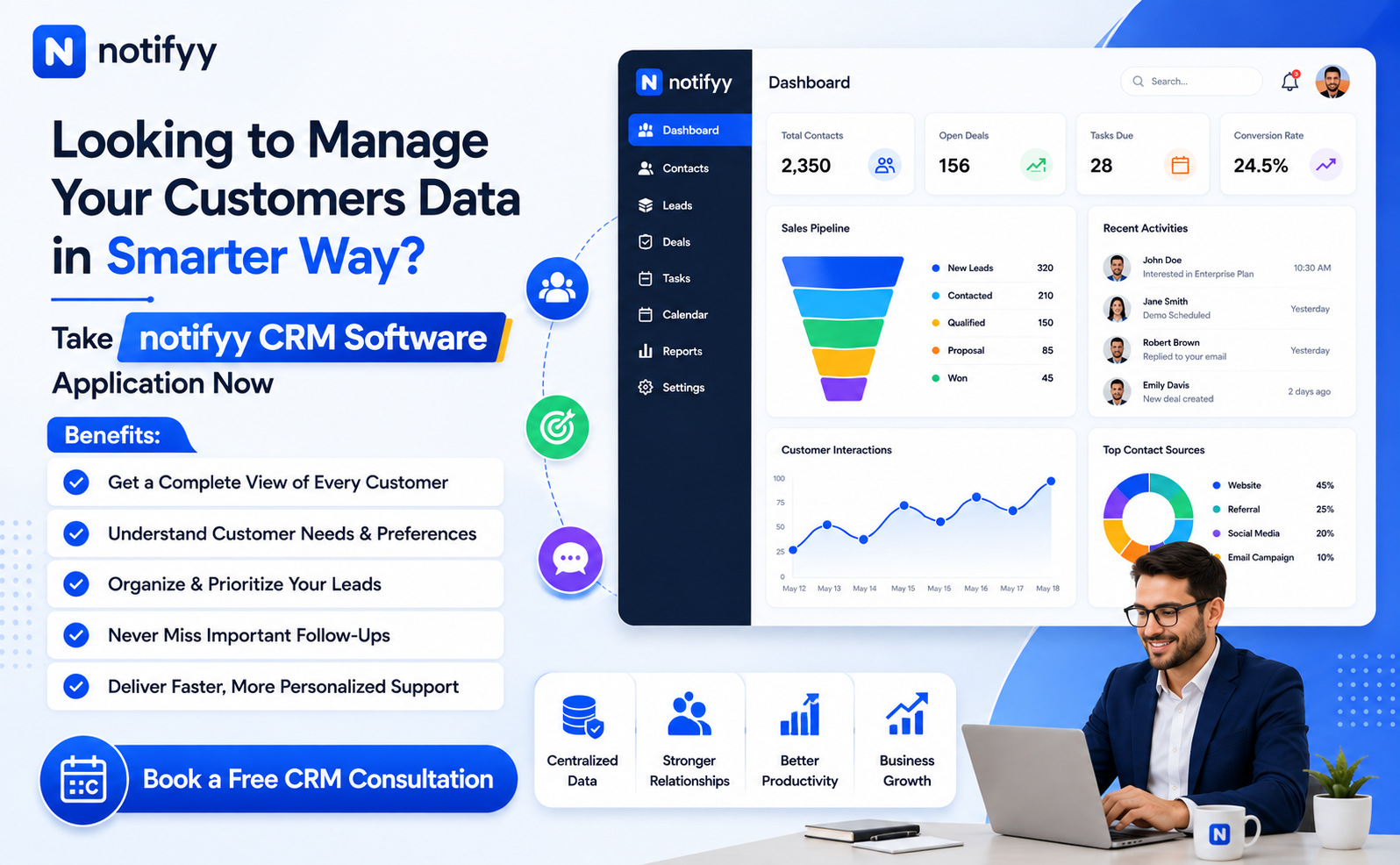
The value of customer relationship management software is not limited to storing records. It becomes most useful when teams use it inside daily workflows that improve follow-up quality and account visibility.
For example, businesses can capture new enquiries, assign leads to the right sales owner, track deal stages, record meetings and notes, schedule reminders, maintain a complete timeline of communication, and manage support issues with full account context. These workflows help teams move from reactive communication to a more organized customer management process.
Benefits of Customer Relationship Management Software
- Better organization of customer and company records.
- Improved collaboration when multiple employees manage the same account.
- More efficient lead, deal, and follow-up management.
- Stronger customer retention through consistent relationship history.
- Better business visibility into pipeline activity and support workload.
- More reliable execution of follow-ups and next actions.
Cloud Based CRM Software for Modern Teams
As teams become more distributed, accessibility becomes a major factor in CRM adoption. cloud based CRM software allows employees to manage customer information through an online platform rather than depending only on local systems or office-based access.
This is especially useful for businesses with remote sales teams, multiple branches, field staff, or leadership teams that need visibility from different locations. A cloud based CRM software model also gives growing businesses more flexibility as teams expand, records increase, and collaboration becomes more cross-functional.
CRM Software for Different Business Needs
Every business manages customer relationships differently. A service business may need stronger customer records and follow-up tracking. A sales-led team may need lead qualification and pipeline visibility. A support-heavy organization may need better issue history and handoff continuity.
That is why companies should evaluate crm software for business based on how their teams actually work rather than simply choosing the longest feature list. The right system should support everyday workflows without adding unnecessary complexity.
What to Look for in a CRM Software Application
- Ease of use across sales and support teams.
- Customer data organization with a complete account view.
- Lead management and sales pipeline visibility.
- Contact and company management.
- Interaction tracking and activity history.
- Follow-up task management and reminders.
- Team collaboration and shared visibility.
- Data accessibility and scalability.
- Overall fit with the business workflow.
How to Choose the Best CRM Software in India
Businesses searching for the best CRM software in India should begin with their own process. The right fit depends on customer volume, sales workflow, team structure, and how customer information is handled today.
Before choosing a platform, businesses should ask how many leads they manage, where customer information is stored, how follow-ups are tracked, whether multiple employees work with the same accounts, and whether the CRM can support future growth. These questions make the selection process more practical and reduce the risk of adopting software that looks capable but does not match real operations.
How Notifyy Helps Businesses Manage Customer Relationships
Notifyy gives businesses a centralized way to manage customer relationships through structured CRM workflows. Teams can organize contacts and companies, manage leads, track deals, maintain activity history, handle tickets, and schedule appointments from one place.
Because Notifyy combines CRM visibility with shared team access, businesses can manage customer data, follow-ups, and relationship continuity more effectively. A CRM software application becomes more valuable when teams can use it consistently across sales and support instead of splitting customer context between multiple disconnected tools.
Build Better Customer Relationships With the Right CRM
Strong customer relationships are built through informed, timely, and consistent interactions. As a business grows, managing those interactions manually becomes harder. customer relationship management software gives teams a practical structure for organizing customer information, understanding previous interactions, tracking leads, and managing follow-ups with better continuity.
For businesses evaluating crm software for business, the right solution should do more than store records. It should help teams use customer information effectively to improve conversations, strengthen service quality, and build long-term relationships. With a structured approach and the flexibility of cloud based CRM software, businesses can create a more connected customer experience over time.
Ready to build stronger customer relationships?
Manage customer data, track opportunities, and automate workflows from one platform.